Relink Manager
A downloadable tool
Relink Manager — Audit. Repath. Relink. Clean up.
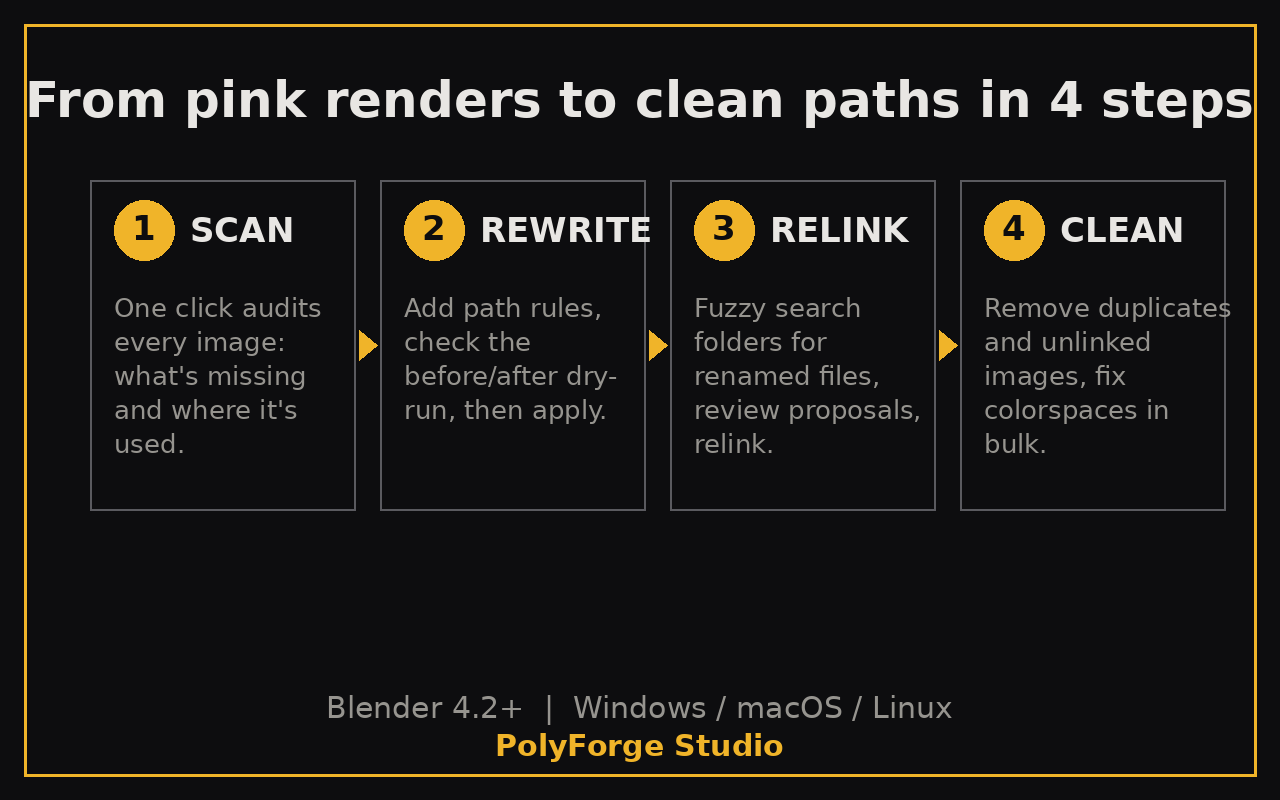
Pink renders. Broken file paths. A client sends you a scene and half the textures are missing — and Blender stays silent until render time. Relink Manager finds every broken texture path in your scene and fixes them in bulk, with a dry-run preview before anything changes.
What it does
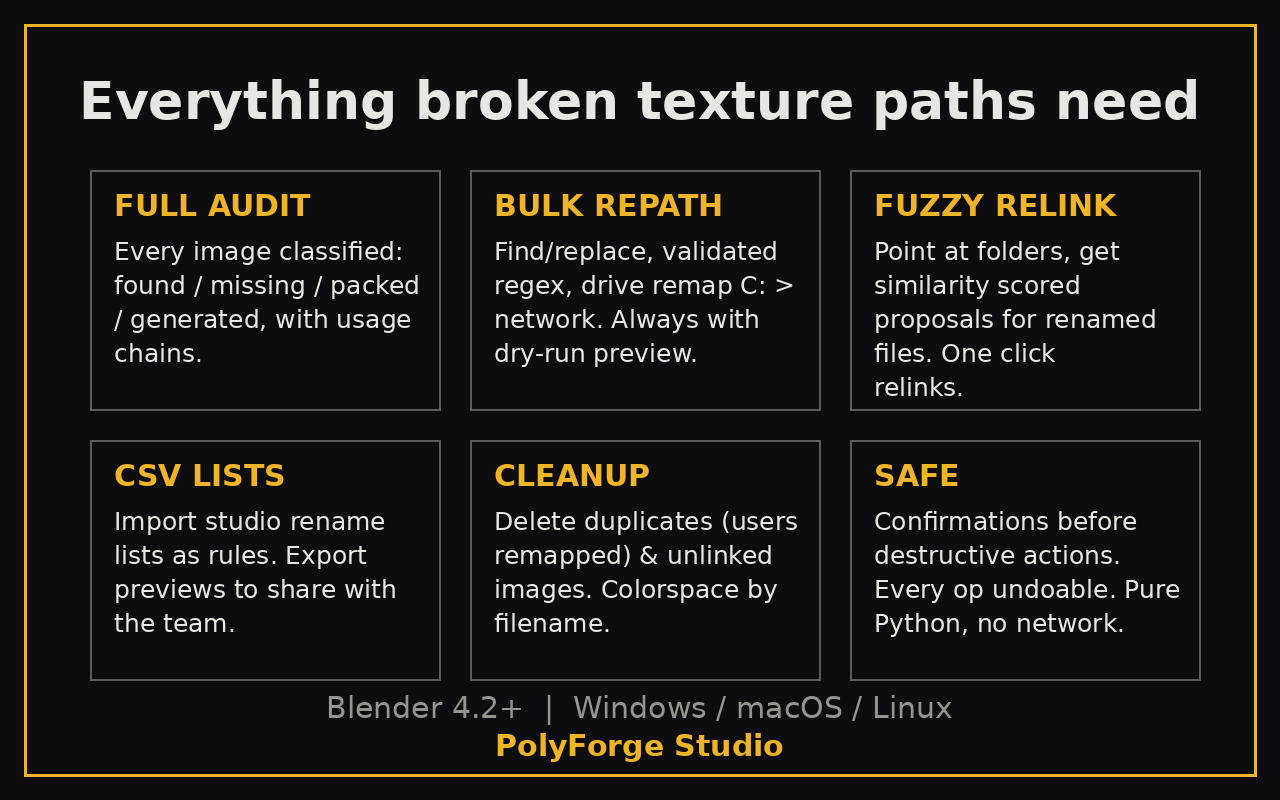
- Full Audit — One click scans every image in your scene: found, missing, packed, or generated. For each image it shows exactly which object, material and node uses it, so you know what breaks before you touch it.
- Bulk Path Rewrite — Write rules once, fix hundreds of paths: plain find/replace, regex, or full drive remaps (C: to network share for render farms). Every rule shows a before/after dry-run list per image.
- Fuzzy Relink — Texture got renamed? Point Relink Manager at your folders and it proposes close filename matches with similarity scores. One click relinks them.
- CSV Rename Lists — Studios keep rename lists. Import yours as rules (dry-run first), or export the preview to share with the team.
- Cleanup — Delete duplicate images (material users remapped automatically), delete unlinked images, and batch-set colorspace by filename pattern.
- Safe by design — Destructive actions confirm first, everything is undoable, and nothing happens without the dry-run preview.
Who it's for
Freelancers opening client and outsourced files. Studios with render farms and shared network drives. Asset resellers re-pathing purchased packs. Anyone who has ever moved a project to a new drive and watched the textures die.
Compatibility
Blender 4.2 and newer. Tested on Blender 4.5.14 LTS and 5.2.2 LTS. Pure Python — no downloads, no accounts, no network calls. Works on Windows, macOS and Linux.
Honest limitations
- Packed images are skipped by path rules (unpack first).
- Image sequences / UDIM are rewritten as one path — confirm in the dry-run.
- The usage scan covers materials and worlds, not light/compositor/VSE nodes.
- Unlinked cleanup works on the live session — run it before saving, since Blender purges zero-user images on save itself.
- Fuzzy matching compares filenames, so it can't find a file renamed beyond recognition.
Installing
Download the ZIP (don't unzip). Blender → Edit → Preferences → Add-ons → Install from Disk → select the ZIP → enable Relink Manager. It lives in the 3D Viewport sidebar (N) under the Relink tab.
Support
Found a bug or want a feature? Contact PolyForge Studio before leaving a review — include your Blender version and steps to reproduce. This tool is actively maintained; your feedback shapes the roadmap.
Purchase
In order to download this tool you must purchase it at or above the minimum price of $14.99 USD. You will get access to the following files:
Leave a comment
Log in with itch.io to leave a comment.